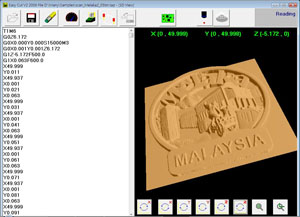











EasyCut V2 Version
EasyCut V2 software runs under Windows 2000/XP.
It can read standard NC code G M code files from MasterCam, ArtCam Pro,
PowerMill, MillWizard, Type 3, EdgeCam, Rhino etc.
Graphical icon easy to use. Just open toolpath file and send to the EasyCut controller.
Use controller to move the machine and set the Zero point.
If need to make any change of the file, just click the Edit NC button to change the NC code.
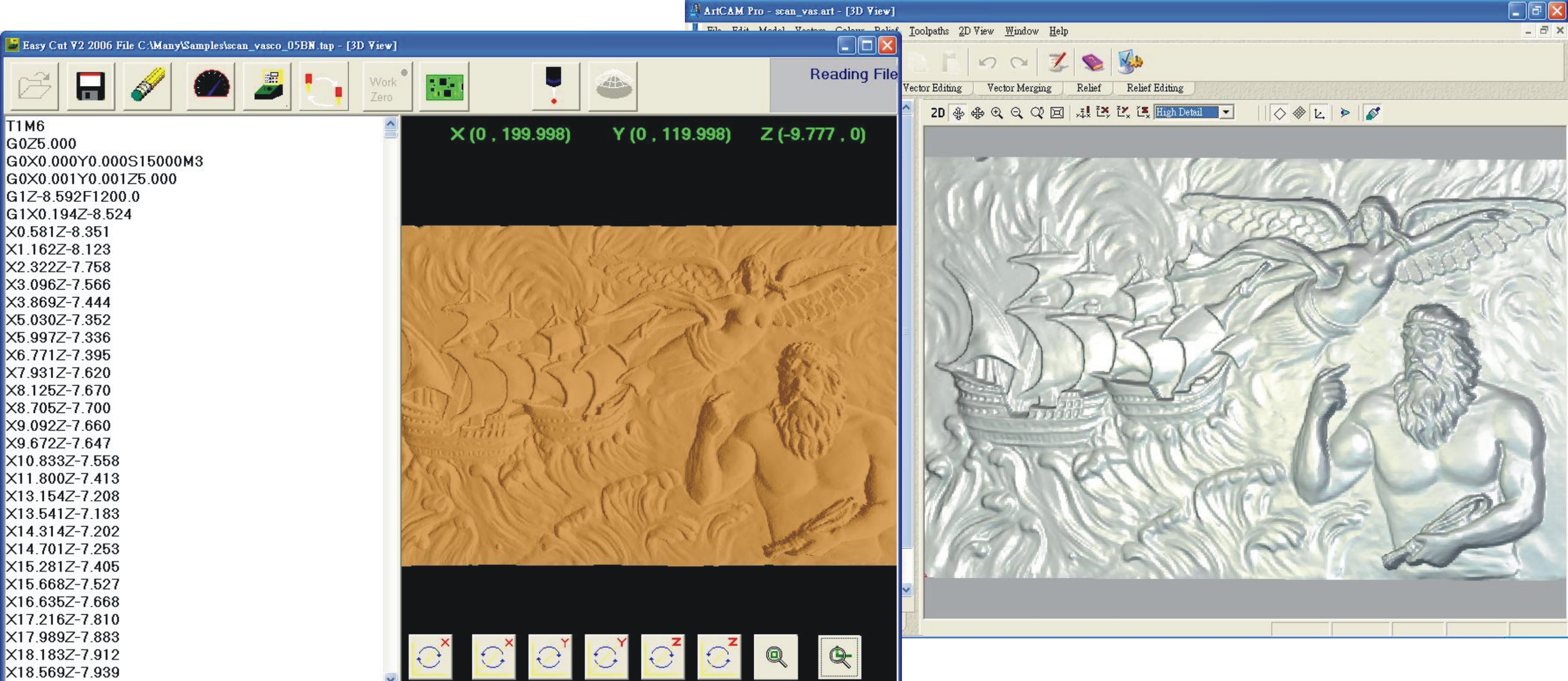
If want to see the 3D simulation, just click the Toolpath simulation.
Probe Scanning
Less the probe diameter after scanning.
Automate slow down/speed up
Automate slow down the speed when the
corner is equal or less than 90 degree. That can avoid to crashing the
machine.
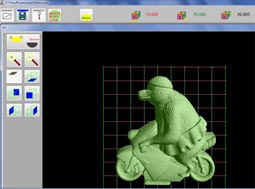
Simulate toolpath
Display the actual solid mold before
machining.That can let you see the machining result.
Change Tool
If the toolpath file has tool changer
setting,
the controller will stop for tool changing.
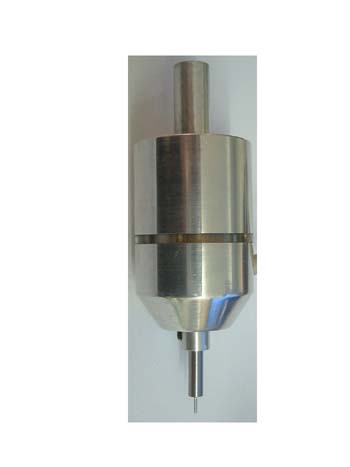
EasyCut 3D Probe Scanner
Control System
Don't need to learn the drawing,less the time and get high effect.
Ability export to
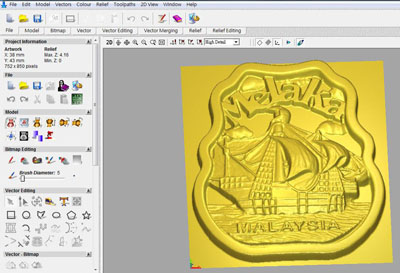
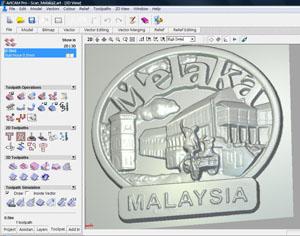
3D DXF file. Easy make some change in CAM software.


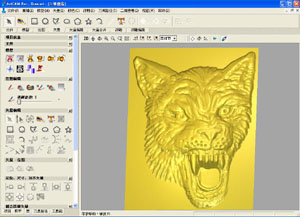
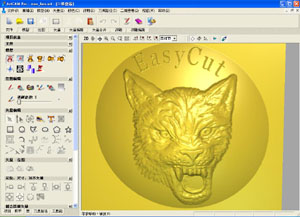
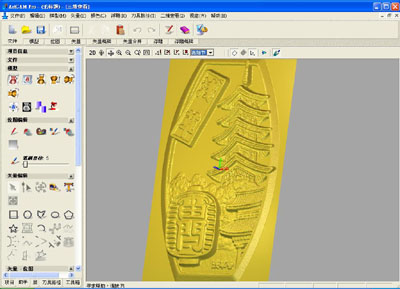
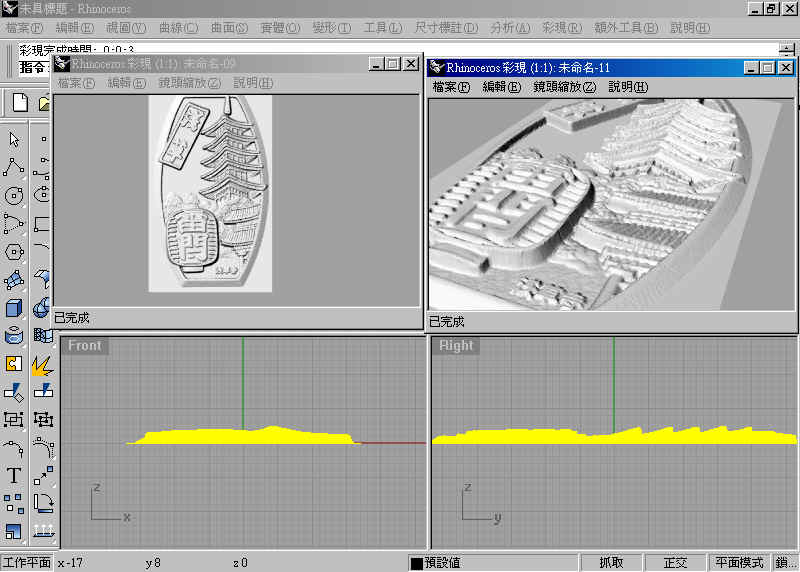
Edit scan file in ArtCam Pro


EasyCut Software
EasyCut Software is a numeric control software. It has
wide variety editing and X/Y/Z
scale, copy, cut, move, rotate, preview with toolpath and tool diameters while
drawing. Create geometry with points, lines, circles, arcs, squares, dots or
NC-Code. Ability to import
scale, copy, cut, move, rotate, preview with toolpath and tool diameters while
drawing. Create geometry with points, lines, circles, arcs, squares, dots or
NC-Code. Ability to import popular DXF file from CAD/CAM or
CorelDraw, also support 3D NC code file from MasterCam/Type3/ArtCAM/MillWizard/SurfCam/CAXA
and others, nc, ncd, cnc, tap, iso, u??, gbr, pcb, *.* . The
file size is limitless.
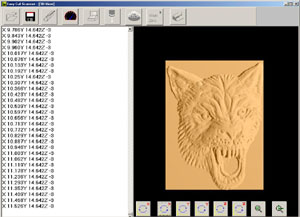
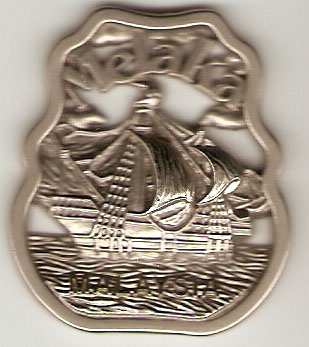
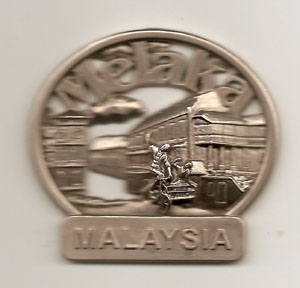
3D Digitize Scanning Function
To begin scanning, simply install the probe
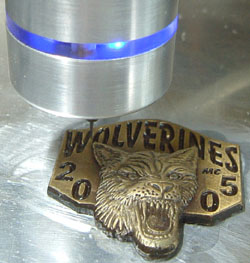
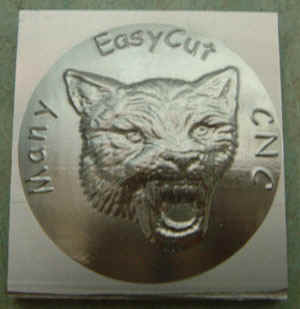
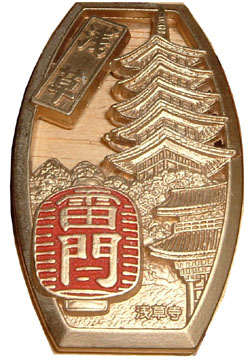
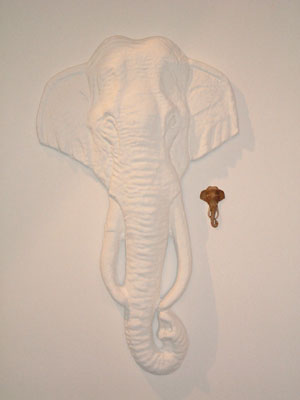
into the tool holder. It can scan glass, acrylic, wax, wood and metals. Simply
create rough/finish toolpath after scanning in EasyCut software.
Also can inverse, X/Y/Z
scale, mirror and smoothing after scanning. Then mill
into the metal. It has ability transfer the scanning file to 3D dxf, nc, iso
format file to do editing in ArtCam/Type3/ MasterCam/others.


 |
Import DXF file as you scan
from Corel Trace
|
 |
Available open 3D NC
Code file from
MasterCAM, ArtCAM, MillWizard, Type3, SurfCAM, Caxa and more, such as cnc,
nc, ncd, tap, iso, u??...
|
 |
Available open
PCB file from Protel, such as pcb, gbr
|
 |
Export 2D DXF,
HPGL, 3D DXF, ISO an NC file
|
 |
Unlimited import/export file size
|
 |
Easy to use with
pull down menus and the ability to X/Y/Z scale, copy, cut, move,
rotate, point editing.....
|
 |
3D Scanning
function
|
 |
Create toolpath
after 3D scanning ( rough mill, finish mill,
parallel mill, crossing
mill), also has ability to X/Y/Z scale, inverse, mirror after scanning
|
 |
Limit switches on
3 axes
|
 |
Auto switch on spindle motor
|
 |
Mid-way change cutting speed
|
 |
3 axis
simultaneously
|